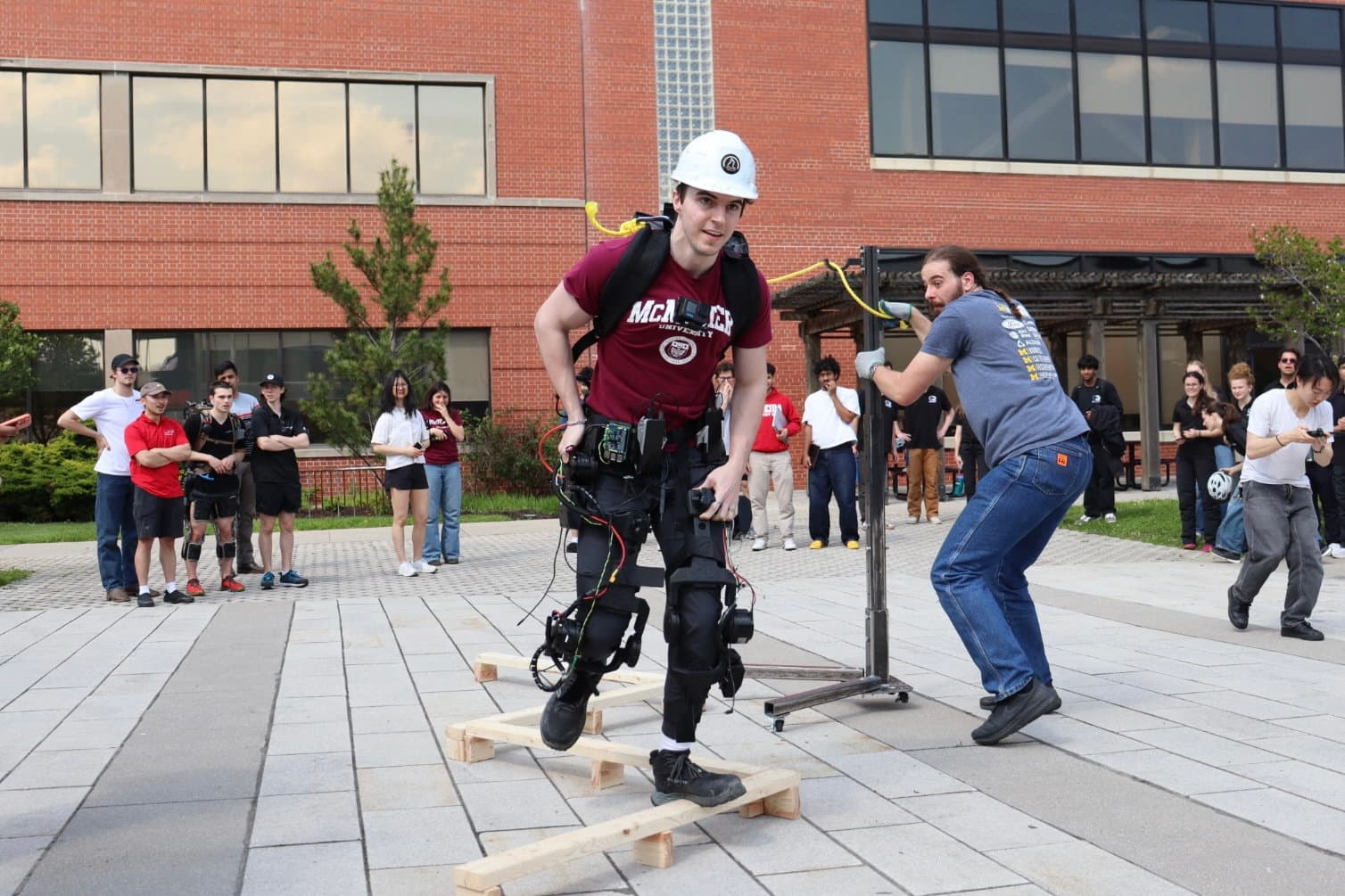
The mechanical division has two subteams: Waist and Linkages. Waist develops the module that carries the electronics and interfaces with the pilot; Linkages develops the joints, moving structure and mounting hardware that follow the pilot’s legs.
Responsibilities and expectations from the team’s 2026/27 application. Choose the area that fits your interests and experience.
01 / General member
Waist
Design the module that carries the electronics and directly interfaces with the pilot. The work balances structural loading, comfort, safety and space for the systems inside.
CAD modelling
3D printing
Materials
Fasteners
Assembly & testing
What you’ll work on
CAD and packaging
Model the waist module and arrange space for boards, batteries and wiring with electrical and software teammates.
Materials and fabrication
Choose materials and print processes, and develop parts that can be produced through 3D printing.
Attachment and assembly
Select fasteners and hardware, then print and assemble the structure that directly interfaces with the pilot.
Fit and testing
Test the assembled module under load, considering pilot comfort, safety and how the electronics fit inside it.
02 / General member
Linkages
Design the joints, linkages and mounting hardware that follow the pilot’s legs and transmit assistive torque. The aim is to align human and machine motion without fighting the wearer.
Joint kinematics
CAD
Tolerancing
Motor mounts
Printing & assembly
What you’ll work on
Kinematics and fit
Develop joint geometry, range of motion, linkages and straps so the moving structure follows the pilot’s legs.
Mechanical interfaces
Design motor mounts, select bearings, and work on hard stops and tolerances where components meet.
Fabrication and assembly
Select materials and fabrication methods, then print and assemble parts into the moving leg structure.
Integration and testing
Test assemblies and coordinate IMU placement and wiring-harness routing with electrical and software teammates.
02 / Connecting the disciplines
Where the person meets the machine.
The waist and leg structure connect the pilot to the powered joints. Their physical interfaces also make room for electronics, sensors and wiring.
Mechanical / Design areas
Select an area to explore
Four interfaces. One moving structure.
These are connected design areas rather than sequential steps. CAD, material selection, fabrication, assembly and testing support the waist and every leg interface.
Showing Fit the pilot
Inside the design area
Fit the pilot
The waist is a main connection between the pilot and the exoskeleton. It supports the structure and houses onboard electronics, bringing attachment and comfort together with the space needed for boards, power hardware and wiring.
Pilot fit · Structural support · Electronics packaging
Inside the design area
Move at the hip
The hip assembly allows the leg to move forwards, backwards and sideways. Joint geometry and motor mounting connect assistance to the moving structure, while physical stops limit travel. Mechanical, electrical and software work meet at this powered interface.
Joint geometry · Motor mounting · Travel limits
Inside the design area
Guide the knee
The knee assembly bends and straightens with the pilot’s leg. Linkages and the shin plate connect the joint to straps around the wearer. Alignment, attachment and space for sensors and wiring have to work together as the leg moves.
The ankle interface is designed to route the suit’s weight towards the ground. Its joint allows movement at the foot, while a strap secures the assembly over a work boot. This connection links lower-leg motion with attachment and load support.